Good to know - Change published calendar entries yourself

The Zwischengas event calendar for classic car and youngtimer events has become the most popular page on zwischengas.com. This makes it all the more important that the published dates are always correct.
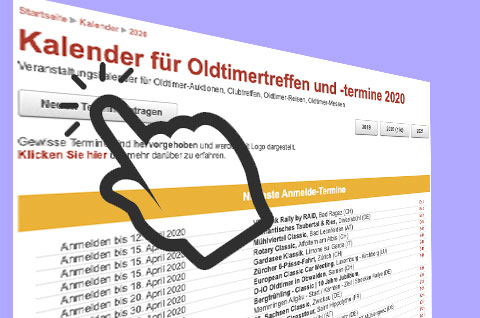
To make this even easier in future, all users who have entered and published an event can now change these entries.
Where can I find the appointments I have entered?
- It's very simple: First log in to zwischengas.com with your user name.
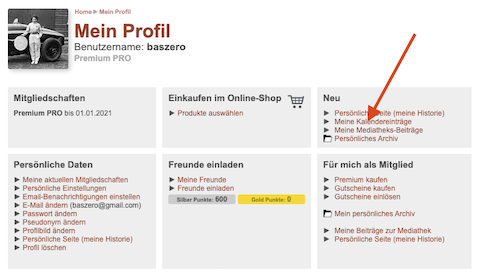
- Then click on " My profile"
- At the top right you will then find the new item " My calendar entries"
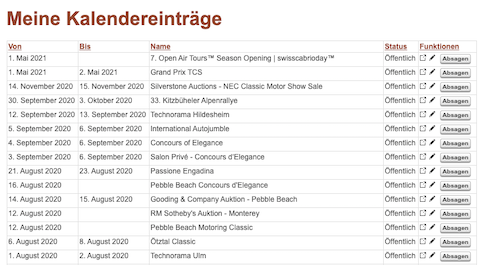
All your appointments will then be listed. For each appointment you will find a link to view the appointment, change it or report it as canceled.
Moving appointments?
Unfortunately, you cannot move one of your appointments yourself, but there is a practical button that you can click on.
If you notify us of a postponement, please always tell us the reason for the postponement as well as the replacement date, if there is one.