Tip number 2 on the new design of zwischengas.com

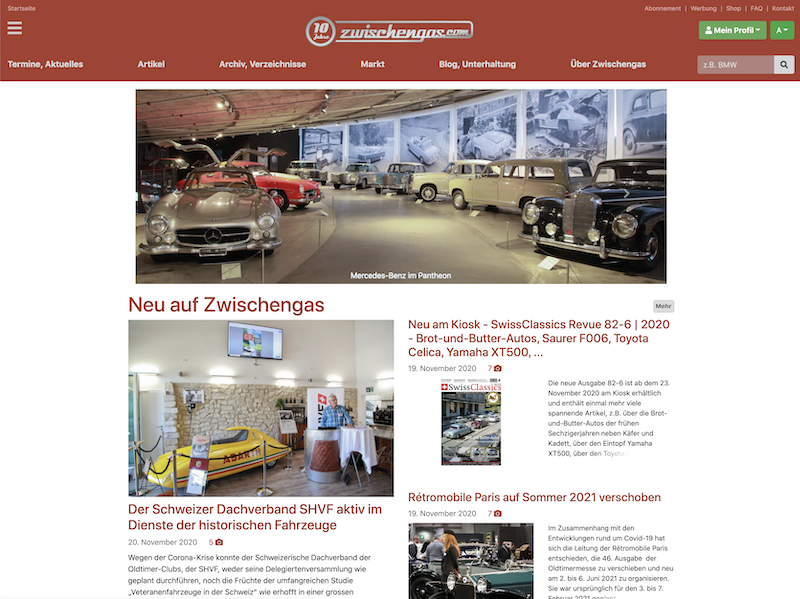
The new design of zwischengas.com finally went live a few days ago. For all those who have known and used Zwischengas for years, it is certainly a change. We would therefore like to take a closer look at a few changes and give you a few tips.
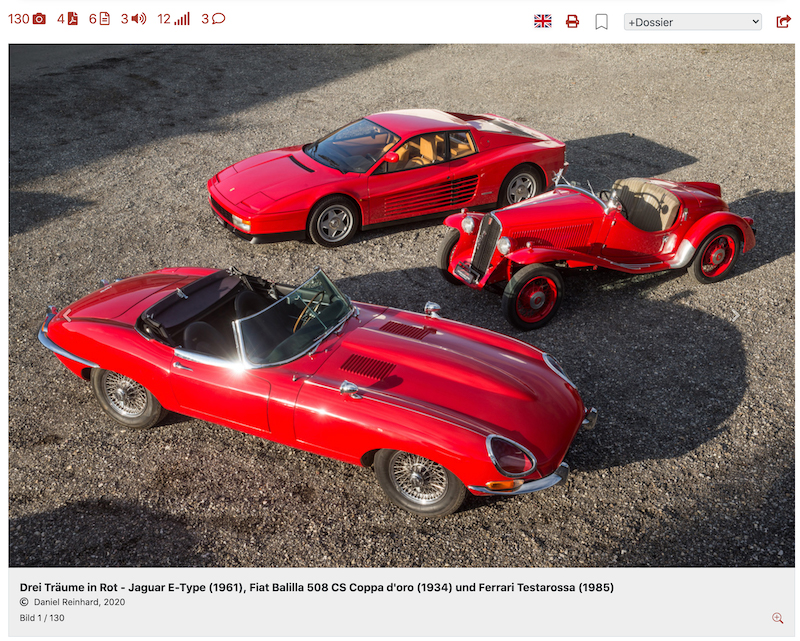
First of all, our main articles have a striking new feature: every visitor, whether anonymous or Premium PRO, will in most cases see a large image at the top of the article. We are proud of our images, and only at a certain size can you really show the quality, so we have decided to show at least the lead image really nice and big for everyone.
The new article header
But let's move on to the new article header, the area with the many icons.

On the left-hand side are all the controls that are directly related to the content:
- Number of photos: Click on it! This will take you to a view where you can immediately see all the pictures! Enjoy the pictures on a black background, and in full size!
- Facsimiles (as PDF): Click on this PDF symbol to jump directly to the brochures.
- Recommended articles: Our editorial team is always looking for really good articles that fit the topic, you can find them here. Click on it, you will jump directly there.
- Sound samples: Fancy some music? Click and play. It's easy.
- Ratings: We update our Classic-Data vehicle ratings every two months. You can jump directly to them here.
- Comments: Our readers know a lot, and here you can read comments or pass on your knowledge and comment on something yourself. We look forward to it!
On the right-hand side are controls with so-called user functions:

- Translation: If you have set a main language other than "German" in your profile, a translation symbol will appear here first. With one click, the article appears in the saved language.
- Print: Our articles can now be printed in PDF format (only available for Premium PRO)
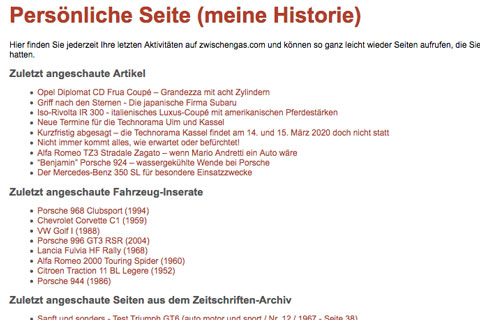
- Personal archive: With one click you can save content to your personal archive so that you can find it again later.
- Dossier: You can add content to a dossier, which is like a view folder, or a folder to which you add certain content.
- Share: Would you like to send certain content to a friend? Then use this share icon. The usual sharing options such as Whatsapp, email, SMS and others are automatically available on your cell phone. Try it out!
The new photo carousel
Have you seen it yet? There are little arrows in the picture, click on them to go to the next picture. The caption adjusts automatically.
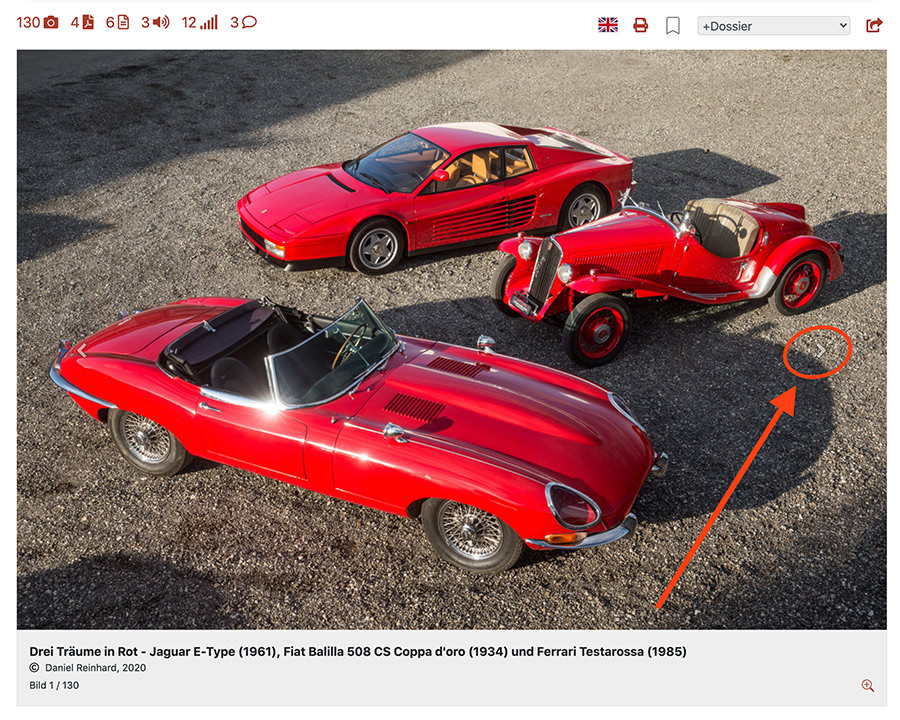
There is a magnifying glass symbol at the bottom right of the caption. Clicking on it will take you to the detailed view of the image just shown and give you much more information about the image and also the option of downloading even larger versions of the image (Premium PRO members can download any image in its original resolution).
Now we hope you have learned something and hope you enjoy browsing through our content.