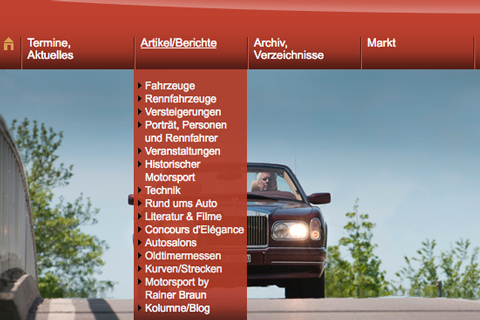
New on your phone: swipe-based navigation—and the ability to customize it yourself

If you visit zwischengas.com on your smartphone, you'll now find the main sections right below the page header. Just tap to get there—and if you'd like, you can customize the navigation to suit your preferences.
Until now, accessing the sections on a mobile device almost always required going through the menu in the top-right corner. Now there's a dedicated bar right below the logo: News, Events, Calendar, Cars, Marketplace, Reviews, Archive, Blog, and About. Since not all items fit on the screen, you can swipe the bar sideways with your finger. A small arrow at the edge indicates that there's more to explore.

Don't be alarmed if the bar suddenly looks different: Some pages, such as the Marketplace and the Shop, already have their own navigation. There, we only show you that navigation so that two menu bars don't overlap. As soon as you leave the Marketplace, your usual bar will reappear.
At the very right end of the bar, you'll find a pencil icon. Clicking it takes you to the navigation settings in your profile. There, you can show or hide items and reorder them as you like. In addition to the standard items, you can choose from Motorsports, Race Cars, Auctions, Technology, Brand Directory, Auto Shows, Brochures, Pictures, Parts Marketplace, Quiz, Wish List, and My Profile. Every change is saved immediately—no “Save” button required.

What do you think of it?
The new navigation is brand new, and we'd like to work with you to keep improving it. Is there a menu item missing? Is something unclear, or is there something that bothers you? Write to us using our contact form. We look forward to your feedback.