User tip - Navigation within an article

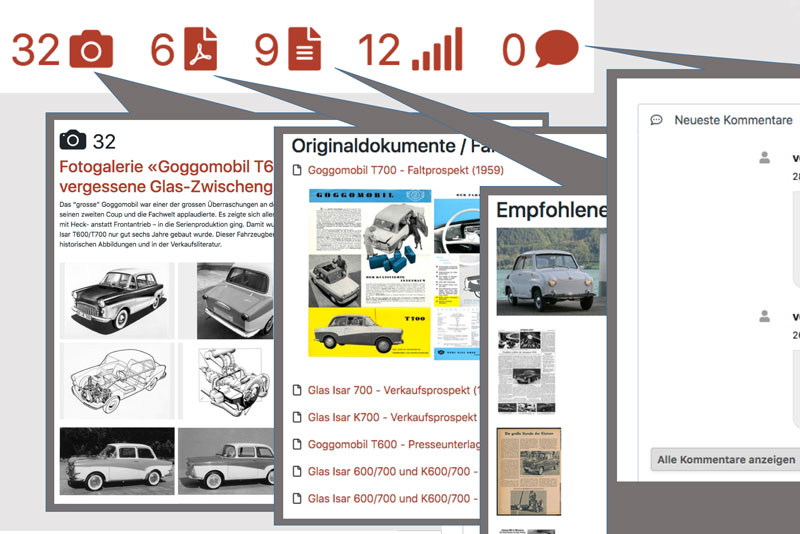
Zwischengas articles consist of different parts. To make it easier to find your way around, there is a kind of auxiliary navigation. This is located in the "Icons" at the top just below the article title. Each of the icons can be clicked on and then leads directly to the corresponding section.
The "Camera icon" refers to the image gallery and the number in front of it also shows how large this image gallery is.
The "PDF document symbol" refers to the facsimile content that has been assigned to the article. These are usually sales brochures or press documents. Here too, the number indicates how many of these documents can be found below.
The "lined document symbol" allows you to jump to the references, which in turn point to further reports or magazine archive content.
The "bar symbol" lets you jump to the vehicle ratings (Classic Data).
And finally, the "speech bubble symbol" leads directly to the comments. Here, too, the number of user comments already entered is displayed.
The icons not only allow you to jump directly to the specific content sections, but also to get a feel for what can be found there. Practical, isn't it?