New on Zwischengas - Magnifying glass function for facsimile

From time to time, Zwischengas users have complained that facsimiles are difficult to read. This is understandable if, for example, a newspaper page is to be displayed at 500 pixels or, in the wider display option (for Premium members), at 800 pixels.
Of course, you could download the PDF version of the facsimile and read the page without any problems, but you had to leave the Zwischengas context, at least partially. To remedy this, we have now introduced the magnifying glass function!
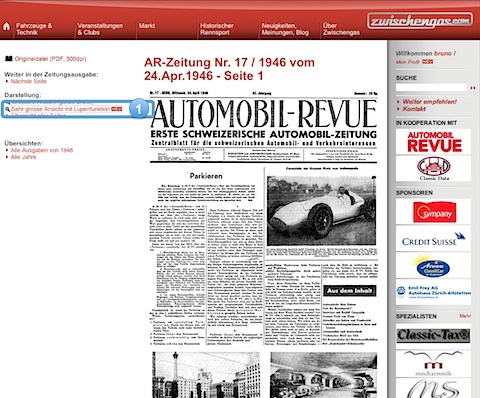
You can now click on "Very large view with magnifying glass function" on the left (see marker 1). This opens an enlarged version of the facsimile page and a navigation area (see marker 2) appears at the top right, allowing you to select the image section displayed on the left.
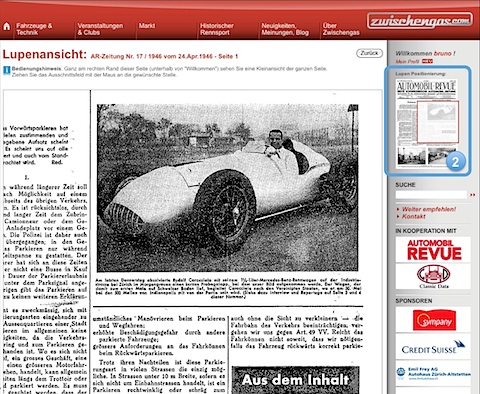
This new magnifying glass function is currently only available to Premium members. It combines optimum readability with ease of use. Just give it a try!